STRONG 8K Device Compatibility Guide
Smart TVs, Android TV, Fire TV, phones, tablets, computers and streaming boxes — what to check before you tell a customer their device will work.
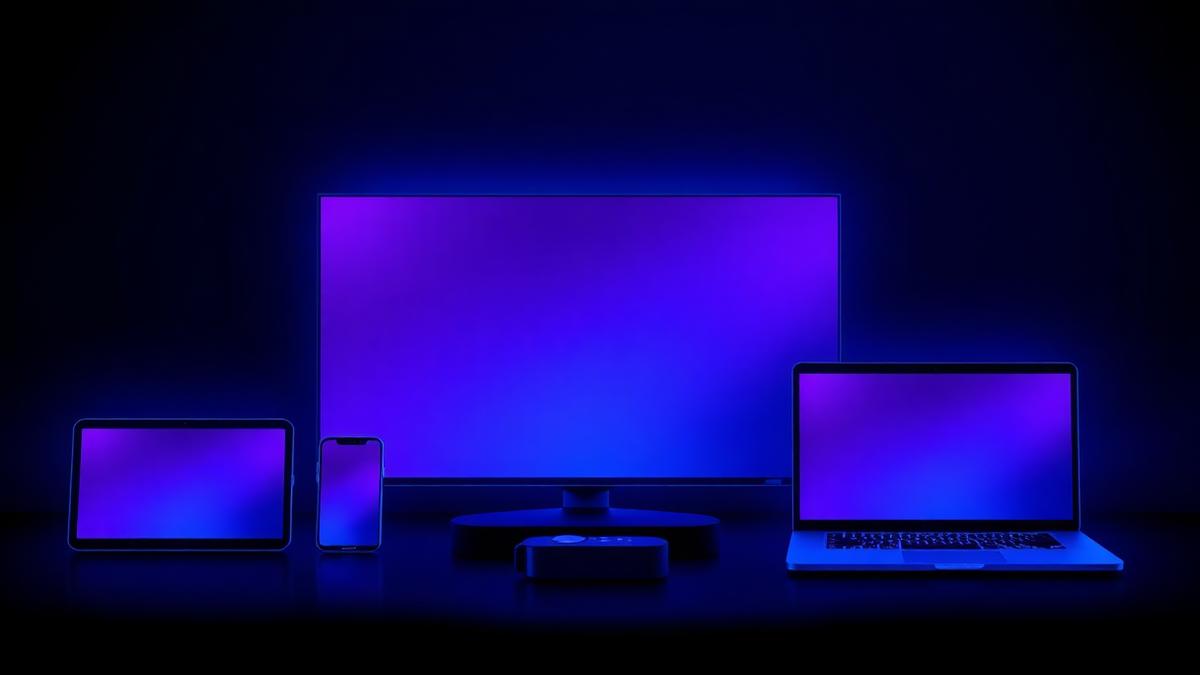
Device questions are the single most common support topic for resellers. Answering them accurately before a sale prevents refund requests afterwards. This guide covers the main device families, what to verify on each, and how to talk about compatibility honestly.
Smart TVs
Modern Smart TVs are the most popular viewing device, but they are also the least consistent. Manufacturers use different operating systems, and app availability varies by brand, model year and region.
- Check which app store the TV uses and whether a suitable player application is available there.
- Older TVs may have limited memory, which shows up as slow menus rather than a failure to play.
- Where a TV cannot install a suitable application, an external streaming box is usually the simplest fix.
Android TV and Google TV
These platforms are generally the easiest to work with because they run standard Android applications and support remote-friendly navigation. Many resellers standardise on an Android TV box precisely because setup instructions become identical for every customer.
Fire TV devices
Fire TV Stick and Fire TV Cube are inexpensive and widely available. They use Amazon's own store rather than the Google Play Store, so the installation route differs slightly from Android TV. Older or entry-level sticks can feel sluggish with heavy interfaces; the newer models handle them better.
Smartphones and tablets
Phones and tablets are the easiest devices for first-time setup and the best way to troubleshoot. If a customer says nothing works, asking them to try on a phone over mobile data separates a service problem from a home-network problem in under a minute.
Computers
Windows, macOS and Linux machines can run desktop media players suited to streaming. Computers are also the best environment for diagnosing an unclear issue, because logs and network conditions are easier to inspect than on a TV.
Streaming boxes and media players
Dedicated streaming boxes give the most predictable experience: you choose the hardware, you know the app, and every customer gets identical instructions. For resellers who also sell hardware, this is often the most profitable combination.
Device family summary
| Device family | Typical ease of setup | Main thing to check |
|---|---|---|
| Android TV / Google TV | Easy | Available storage and OS version |
| Fire TV | Easy | Model generation and performance |
| Smart TV (other systems) | Varies | Whether a suitable app exists in that store |
| Smartphone / tablet | Very easy | OS version |
| Computer | Easy | A player application that suits the user |
| Streaming box | Easy and consistent | Hardware performance and network port |
Network matters as much as the device
A capable device on a weak connection still buffers. Wired Ethernet is more stable than Wi-Fi, and 5 GHz Wi-Fi generally outperforms 2.4 GHz at short range. Playback quality also depends on the source and the display — see Understanding STRONG 8K streaming quality and server and streaming performance explained.
A pre-sale checklist for resellers
- 1Ask for the exact device brand, model and approximate age.
- 2Confirm a suitable application can be installed on that platform.
- 3Ask whether the device connects by Ethernet or Wi-Fi, and how far it sits from the router.
- 4Set expectations about resolution honestly before taking payment.
- 5Send written setup steps for that specific device rather than a generic guide.
Get help with a specific device
If a customer's hardware is unusual, message us on WhatsApp with the model before promising anything. Ready to order? Compare reseller packages or the personal subscription.
Frequently asked questions
Does STRONG 8K work on any Smart TV?
Not automatically. It depends on the TV's operating system and whether a suitable player application is available for it. Where it is not, an external Android TV or Fire TV device is the usual solution.
Can several devices use one subscription?
The number of simultaneous connections depends on the subscription created in the panel. Confirm the options available before promising multi-device use to a customer.
Is Wi-Fi good enough for streaming?
Often yes, but a wired Ethernet connection is more stable and is the first thing to try when a customer reports buffering.
Ready to start reselling?
Compare STRONG 8K reseller packages from $200, or ask us anything on WhatsApp before you order.
Related articles

Understanding STRONG 8K Streaming Quality: HD, Full HD, 4K and 8K
Resolution labels explained — and an honest look at the five factors that decide what a customer actually sees on screen.
Read MoreSTRONG 8K Server and Streaming Performance Explained
How streaming delivery works in general, and the realistic factors behind buffering — without invented uptime figures or server claims.
Read More
STRONG 8K Reseller Panel vs Personal Subscription: Which Do You Need?
One is a product you watch, the other is a tool you work with. A clear comparison so you buy the right one the first time.
Read More